Help · Setup guide
Running by
Thursday afternoon.
Four things to do, none of them long. If you get stuck, one of us picks up the phone.
Order your cards
They post first class and arrive in about three days. Until then, print the QR sheet and start today.
Link Google
Copy the review link from your Business Profile and paste it into each branch. It is where the review button sends customers.
Add your crews
Type in who works for you. This is what turns reviews into "Danny's at 4.9" instead of a single number.
Tap on the next job
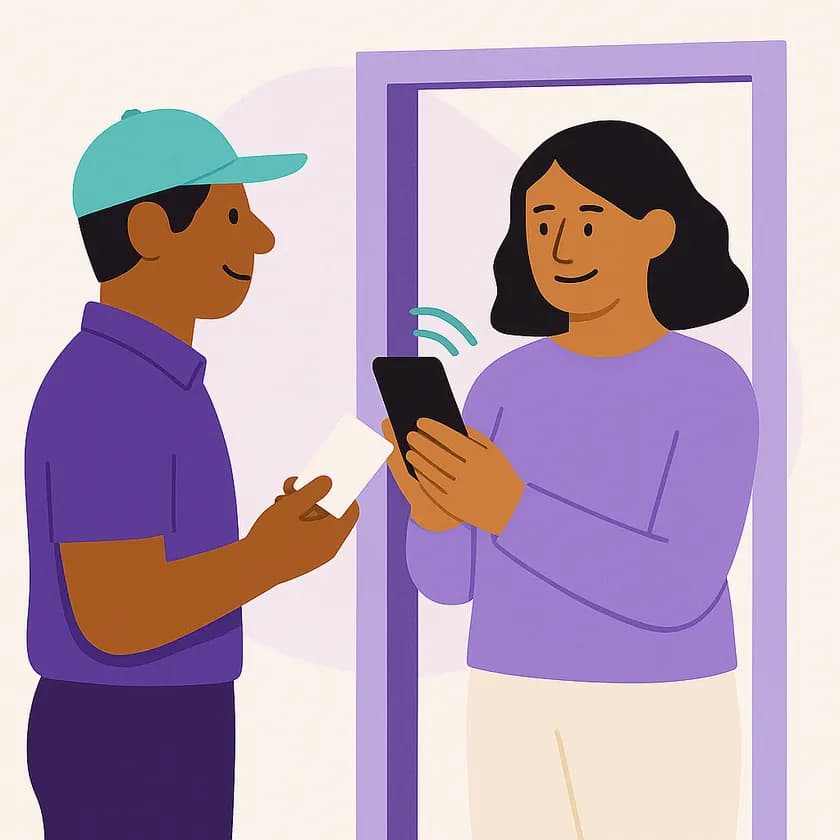
Hold the card near the customer's phone as you leave. That first rating switches Premo on.